
Editor
The editor runs inside your game, over the level the game has loaded. What you see in its views is the game itself, entities included. Your game decides which key opens and closes it.
The world is carved, not built: everything starts as solid rock, and you draw air brushes to hollow rooms out of it. Read The carved world before you build anything larger than a test room.
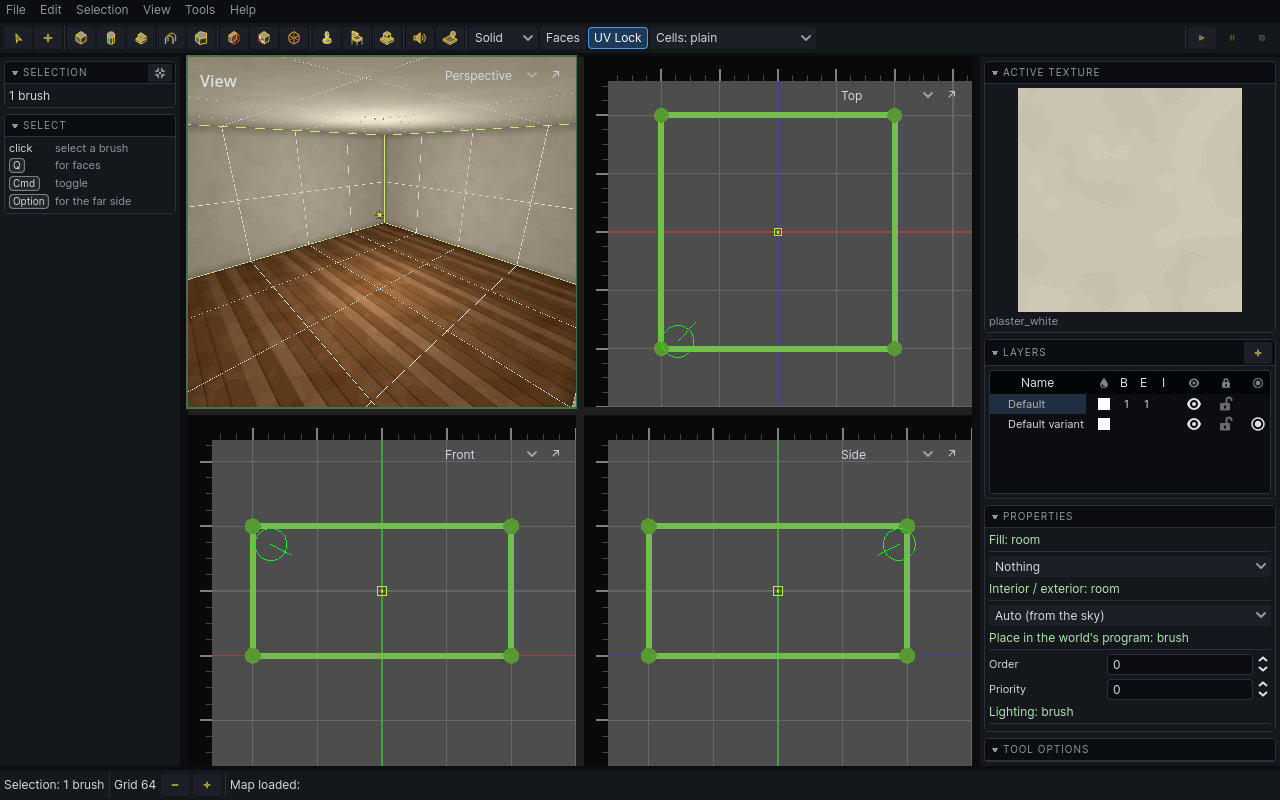
Your first room
The first time the editor opens in a run of the game, it shows a welcome window with the version you are running and a link to these steps. Tick Don't show this again and it stays closed from then on; Help > Welcome… opens it again.
- Check the tier dropdown on the toolbar says Air. It does in a fresh editor.
- Press
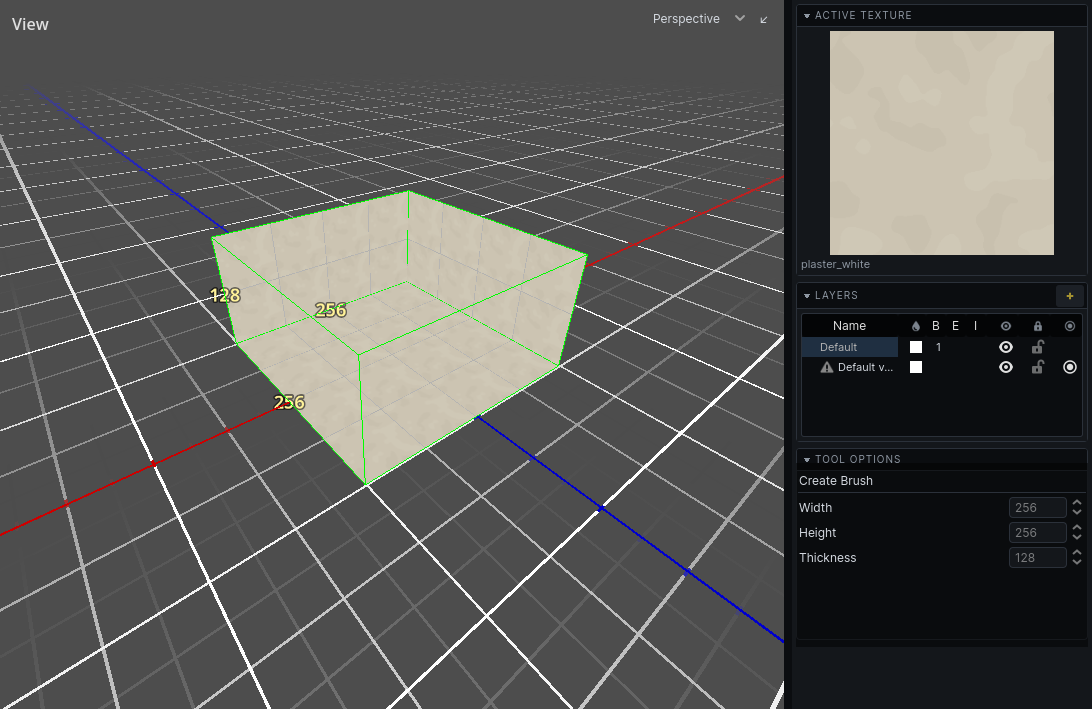
Bfor the cube brush. In the 3D view, click one corner of the floor, click the opposite corner, move the mouse up to give the room its height, and click. - Press
Enterto keep the brush. The room is carved out of the rock. - With the room still selected, press
Tand click a texture. It is applied to every wall of the room. - Press
CmdEfor the entity tool, click light_point in the left panel, and click the room's floor in the 3D view. PressEscwhen done. - Press
CmdLfor the lightmap tool and click Bake in the right panel. - Press
F5to see the room lit. PressCmdShiftSto save the map.
Stuck on a key? See Keyboard reference. Something looks wrong? See Problems.
Where to go next
| To | Read |
|---|---|
| learn the screen | The interface |
| move around | Camera |
| pick things | Selecting |
| draw rooms, walls, stairs, arches | Building |
| move, cut, reshape | Editing |
| texture surfaces | Texturing |
| sculpt the ground | Terrain |
| place lights, doors, props | Entities |
| dress a level with models | Props |
| stick decals on walls | Decals |
| reuse pieces | Prefabs |
| organise the map, make variants | Layers |
| set up the sky | Sky |
| bake lighting | Lighting |
| find what is wrong | Problems |
| open and save maps | Map files |
| use this manual | Using the manual |